
How to Trim Your Screenplay Without Losing the Story [Podcast]
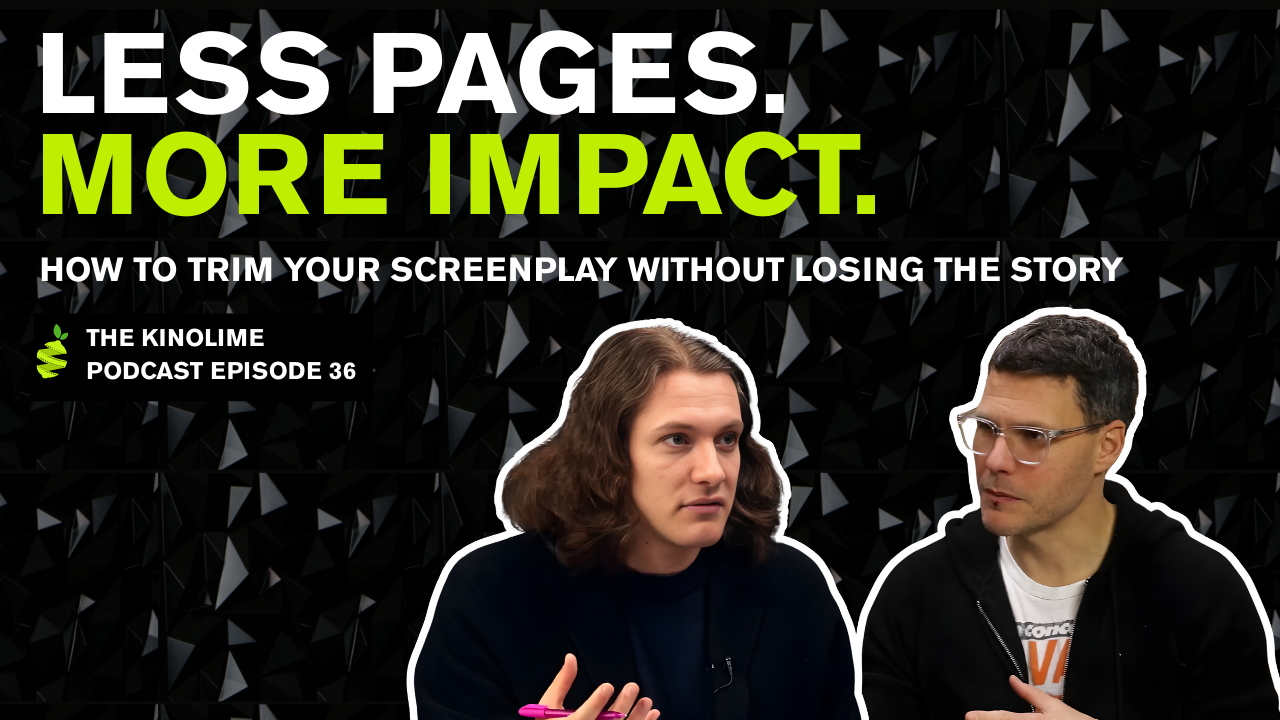
In this episode of the Kinolime Podcast, John and Danny kick off the 2026 Writing Series with a question every screenwriter eventually faces: how do you trim your screenplay without cutting the heart out of it?
Drawing from real competition scripts, professional rewrite work, and classic film examples, they break down why scripts run long and how much you can actually cut without losing story, character, or momentum. From tightening scene description and cutting expository dialogue to combining characters, removing unnecessary scenes, and resisting the urge to direct on the page, this episode is a craft-first guide to writing leaner, sharper scripts.
Whether you’re staring down a 130-page draft or polishing a competition submission, this conversation is all about cutting the fat so what matters most can finally breathe.
Full Transcript: Kinolime Podcast Episode 36: How to Trim Your Screenplay Without Losing the Story
Participants
John Schramm - Head of Development, Kinolime
Danny Murray - Creative Executive, Kinolime
Cutting Characters That Don’t Serve the Protagonist (E.T. example)
Danny: Steven Spielberg cut Harrison Ford out of the movie because he felt that character distracted from Elliott’s journey and from the overall POV of the film, which stays rooted in the protagonist. So even if you have a strong, dynamic supporting character, if you can’t connect them meaningfully to your protagonist, they’re not serving the story.
John: If it doesn’t serve your story or your character’s growth, you’ve got to cut it.
The 2026 Writing Series (Trimming Your Screenplay)
John: Hey, welcome to The Kinolime Podcast! See how I did there?
This is where we get to nerd out. We’re not going to complain about film.
Danny: We’re not talking about the industry.
John: Exactly, we’re not talking about the industry. We’re talking about craft today. Pure Kino.
We were thinking: how can we help you in 2026? We want to see the best spec market ever, dozens and dozens of screenplays selling for a million dollars-plus and launching careers. We’re here to help you (hopefully) be one of those people, by trimming your screenplay.
That’s what we’re focusing on in this 2026 writing series: each week, new notes and ideas to help improve your script. Today is all about cutting the fat, because during submissions, and honestly, through our normal yearly intake of scripts we find a lot of screenplays are a bit long in the tooth.
Danny, I’ll hand you the mic, the lav mic and all. Thoughts?
Why Scripts Run Long (And How Much You Can Cut)
Danny: This is something we find in pretty much every competition script: there’s room to be more economical with how you use characters and how you use page count. Even great screenplays can usually sharpen focus around the protagonist.
And John, I know you’ve been hired multiple times to do exactly this: cut pages down. Tell us about that.
John: I can’t say which project, but I was brought in on a film that was made. The script was around 127 pages (I could be off), and we got it down to about 113. We shaved roughly 14 pages without affecting production, no missing beats.
I love doing this, even with my own scripts. I tend to “vomit” a first draft, 127 to 130 pages, then cut. Maybe too much.
But here’s what we see in the competition: most scripts can cut 8 to 15 pages. That’s a lot. Even with Mob Mentality, our 2.0 winner that’s going out to directors, we still found ways to tighten it further with Eric.
Danny: And it was already an extremely tight script.
John: Exactly. Eric agreed, we tightened it, and it got even better.
Tip #1: Cut Scene Description (Say More With Less)
John: Our first tip is cutting description. We see six, seven, eight lines of scene description all the time, sometimes more. After your scene heading, you’ll write what’s happening, but it often gets bloated.
I was taught: keep it three or four sentences. We’re going to use Zodiac by James Vanderbilt as an example. We took a scene and rewrote it the way we often see it submitted then compared it to what Vanderbilt actually did.
Bloated version (example):
“INT. VAUGHN’S BASEMENT – NIGHT. The door creaks open. Vaughn and Graysmith stand at the top of a rickety wooden staircase, dusty from years of neglect. We can hear water dripping somewhere down in the darkness… Vaughn flicks a light switch and a naked bulb snaps on somewhere below. Very little light illuminates the dark space…”
That’s fine prose, but it’s doing too much. The reader doesn’t need every detail.
Vanderbilt version (leaner):
“INT. VAUGHN’S BASEMENT – NIGHT. The door creaks open. Vaughn and Graysmith stand at the top of a rickety wooden staircase. We hear water dripping somewhere down in the darkness. Vaughn flicks a switch and a naked bulb snaps on somewhere below… very little light.”
Same mood. Fewer words. “Dusty from years of neglect” isn’t really serving the scene.
Over 120 pages, trimming three lines here and three lines there adds up to real pages.
So: count your description lines. If you’re at seven or eight, find ways to tighten. Evoke mood and emotion but don’t overdo it. The director and production design will handle the rest.
Danny: Especially if you’ve seen Zodiac, that basement scene is arguably the best in the film. Part of what makes it terrifying is what’s not spelled out. When you leave space, the reader’s imagination fills it in—like, “What are they about to do to Jake Gyllenhaal down here?”
John: One more example.
Bloated version (example):
“While talking, he guides Graysmith to a bookshelf in the far-left corner… full of old leather-bound volumes sagging under the weight… Vaughn pulls one hardbound volume… flips two-thirds through…”
Vanderbilt version (leaner):
“They stop by an overstuffed bookshelf. Vaughn pulls one handbound volume and begins flipping through the pages. Graysmith looks around, nervous.”
That’s it. Clear. Minimal. Effective.
So when you’re in trim mode: look at every description block and ask, “What’s the most I can say with the fewest words?”
Tip #2: Cut or Combine Supporting Characters
John: Danny, what’s tip two?
Danny: Cut characters. In a lot of scripts, especially ensembles, you have a large supporting cast where the story doesn’t fundamentally change if you remove certain people. Sometimes there’s a character who exists just to reaffirm emotions, or to tell someone, “You’re right, this is how you feel.” That character is everywhere.
Go through your script and ask: does this character actually have a purpose? Do they affect the protagonist? If not, you probably don’t need them.
John: Here’s a tool I use. Put your protagonist, let’s call him Michael, in the center of a page. Then put every other character around him and draw lines. If they aren’t influencing Michael, growth, plot, obstacle, distraction, pressure, they’re gone.
It’s okay to throw characters into early drafts. But once you’re trimming: cut the fat.
Danny: And ask yourself plainly: what is this character doing to challenge or change the protagonist? If you can’t answer that, you can probably cut them and merge what’s compelling about them into another character.
A great example: Harrison Ford was originally in E.T. He played Elliott’s principal. Spielberg cut him because it distracted from Elliott’s journey and the POV of the film.
John: If it doesn’t serve your story or your character’s growth, you’ve got to cut it. “Kill your darlings.” And I didn’t know that Harrison Ford story, wild.
Danny: A shocking amount of great performances get cut from great movies. That’s part of why those movies work.
Tip #3: Cut Expository Dialogue (Build Subtext)
John: The thing that drives me crazy and I suffer from it as a writer, is exposition. Early drafts? Fine. Vomit it out. But at a certain point, you have to maximize impact with fewer words.
A mentor, Fred Lebow, taught me: write what you’re trying to say underneath the dialogue, then say it without saying it.
Meara wrote up an example.
Bloated version (summary):
Two old friends bump into each other at a grocery store and immediately explain the timeline, the fight, Jessica, the corporate job in Chicago… It’s all information.
Now here’s the tighter version.
Tighter version (summary):
We trim the scene description and cut the obvious dialogue. It becomes:
“Gareth, Luke!”
“Hey man. Been a minute. You back in town?”
That’s it. We go from nearly a page to a quarter page.
A director once told me: cut the first two dialogue exchanges and the last two. Most scenes start with “How are you?” and end with “See you.” Just get to the point.
Danny: I feel like a broken record giving this note, but: give your dialogue subtext. Great dialogue isn’t what they’re saying, it’s what they’re not saying. That’s what actors love to play.
When you have lines like “What’s it been, three or four years?” you’re killing the chance for subtext. Find creative ways to communicate information without spelling it out.
John: We’ll do a full video on subtext. For now, a perfect example is Empire Strikes Back:
Leia says, “I love you.”
Han says, “I know.”
That’s subtext. It tells you everything.
Tip #4: Remove Scenes (And Combine Locations)
John: Tip four: remove scenes. Think of your story like Jenga. If you can pull a scene out and the tower still stands, the scene doesn’t need to be there.
Ask: is the scene servicing plot or revealing character? If not, and the reader can bridge A to B without it, cut it. It’s hard, but it becomes cathartic. You’re trimming the fat.
Also: combine locations. If you have four short scenes in four places, see if they can become one stronger scene in one location. That saves page space and keeps the reader grounded. Constant location jumps can pull people out of the read.
Danny: Totally. I’m bad at tracking locations, I’m focused on character. If you can ground the characters, it helps.
And a lot of issues we’re talking about come from over-prioritizing world building over character: big worlds, lots of characters, tons of exposition, constant locations and then the protagonist is just reacting instead of driving their own arc.
John: Also: consider when your story truly begins. You might be able to cut the first five pages. Start at the latest point possible, same as entering a scene late.
Tip #5: Use Voiceover and Flashbacks Sparingly
Danny: One last thing we mentioned before recording: if you have a lot of flashbacks or voiceover, be as economical as possible. Most stories don’t need as much of it as writers think.
John: Voiceover can work, I’m not anti-voiceover. There are camps: the Scorsese defenders and the “never voiceover” people. I’m saying: use it sparingly.
If your voiceover is describing what we already see, cut it. Consider bookends: a little at the beginning, a little at the end, like Stand By Me. But if it runs throughout, you can often cut a lot of pages.
If you do use VO, use it for something cinematic: unreliability, contrast, misdirection, something that changes how we interpret what we’re seeing.
Danny: Yeah, when VO just narrates what’s happening, it can start to feel like a Nat Geo documentary.
John: Morgan Freeman in the background: “Here they come…”
Don’t Direct on the Page (Unless You’re the Auteur)
Dany: Last tip: don’t be a director on the page, especially if you’re trying to sell the script. Avoid camera directions and technical shots in your description.
Here’s an example from a deleted scene from Ari Aster’s Midsommar:
“INT. AIRPLANE – IN FLIGHT – MINUTES LATER. We are wide… we track forward… profile close-up… slow zoom… the window fills the frame…”
John, what’s your take?
John: We see this all the time. I get it, you’re seeing it in your head and trying to put it on the page. But it’s not your job, and it can pull the reader out of the story.
You want the reader, execs, producers, directors, to stay locked in. If they’re checking their phone, you’ve lost them. And too many camera moves on the page can do that.
Ari Aster can write like this because he’s directing. But most writers aren’t writing a roadmap for themselves, they’re trying to sell the read.
Danny: Exactly. Don’t write like you’re Ari Aster or Bong Joon-ho. You will be, eventually. But until then, keep description rooted in character and story, not camera.
Wrap-Up + Competition
John: Those are five rules, really, ideas and suggestions, that can help you trim your screenplay. If we missed anything, drop it in the comments or email us. We want to learn too.
We truly believe in your screenplay. But page count is one of the first things people look at. The old barometer was 120 pages. Now it’s often less, not saying you can’t write 120, but if you can be minimal and economical, it helps.
Go through your script and cut anything unnecessary, words, punctuation, anything that isn’t pulling its weight.
Thanks for watching. Like, subscribe, all that. Competition 3.0 is coming up in a few days, by the time this airs, it’ll likely already be live. Thanks for submitting, and we’ll see you next time in the Screenplay Series.
Danny: This was really fun. I had a great time.
John: Alright, thank you. Before I go, I’m going to do a little Jon Stewart thing… Let’s see if I can hit the camera, and we’re out.
Danny: Alright, see you guys. Thanks so much.
Past Winners + “You’re Next”
John: Our previous two competition winners, The Waif (year one) and Mob Mentality (year two), are going into production this year. Yes: in 2026, we’re making two movies, The Waif and Mob Mentality.
You, if you win this year, you’re next. We’re making your film next.
So please: get your screenplays ready. Sharpen your pencils. Get the keyboards going. Submit at kinolime.com. Create an account, ask questions, we’re here to answer them. We want to hear from you, and I want to read your screenplay.
Please go to kinolime.com, submit your screenplay, and we can’t wait to get this competition rolling.